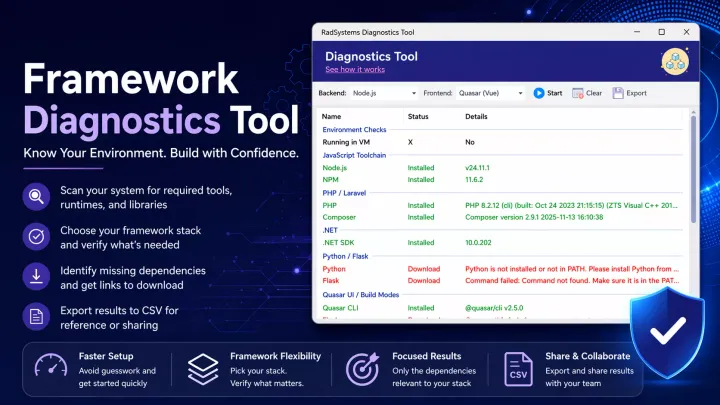
Eliminating Setup Guesswork with the Framework Diagnostics Tool in RadSystems Studio Scan your system, verify dependencies, and prepare your environment for RadSystems Studio with the powerful built-in Framework Diagnostics Tool.
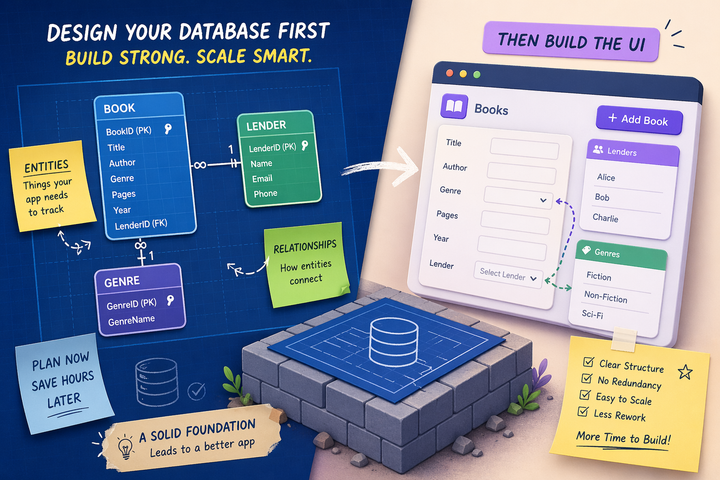
Design Your App's Database Before You Build the UI: A Lesson From My Scars Stop designing UI first. Build your app’s data model with clear entities and relationships to avoid rework, reduce bugs, and scale apps.
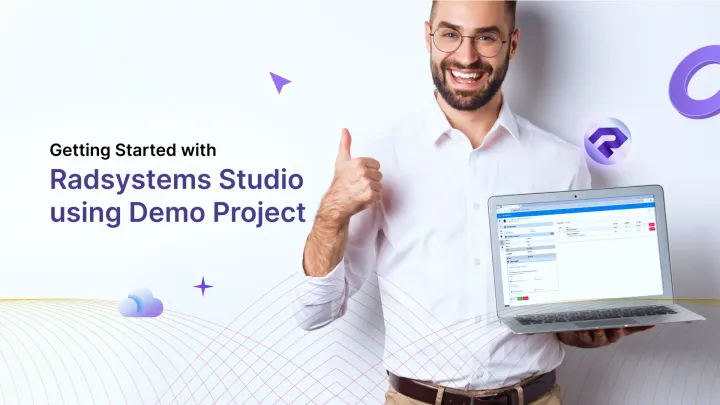
Getting Started with RadSystems Studio using Demo Project Built with Laravel, Bootstrap, jQuery, and MySQL, RadInvoicer is a simple yet functional invoicing and payment management system that includes client record handling. It covers essentials, giving you a hands-on experience.
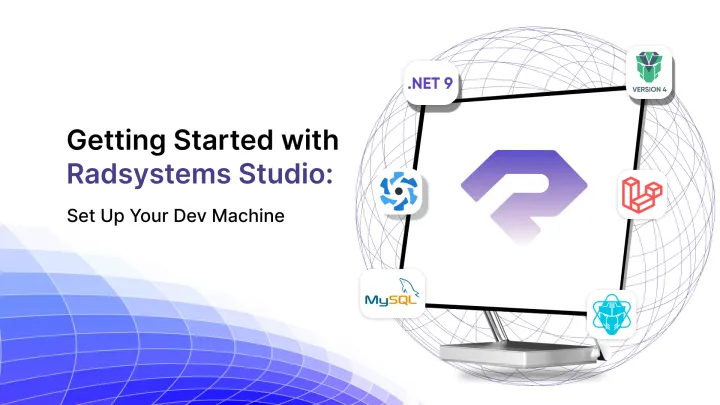
Getting Started with RadSystems Studio: Set Up Your Dev Machine RadSystems Studio supports a robust lineup of frameworks, including PHP Laravel, Python Flask, Node ExpressJS, ASP .NET Core on the backend, and modern frontend stacks like Quasar, PrimeVue, PrimeReact, even ElectronJS for desktop applications, each of these need some system setup to get started.
Navigating the Transition: Moving from RadSystems Studio v8 to v9 This blog will walk you through the transition process, highlighting key considerations, best practices, and steps to ensure a smooth migration from RadSystems Studio v8 to v9.
How to Setup Dynamic Dependent Look-up Control in Radsystems Studio In this tutorial, we will walk through the steps to set up dynamic dependent lookup controls in Radsystems Studio, ensuring your web application meets both functional and user experience standards.
How to Set Up a Dynamic SELECT Control in RadSystems Studio In this article, we will focus on setting up a dynamic SELECT control using RadSystems Studio's no-code solution.